Package Documentation Improvements October 2026
2026-10-06
In January 2022, we launched pkg.odin-lang.org, the documentation site for Odin’s official library collections. And since then we have been adding more and more packages, and general improvements to the package documentation set. The library collections base, core and vendor now hold over 200 packages and over 100000 declarations, and we’re still not finished yet!
Unfortunately as we have been adding and improving packages, the site had not kept up with that growth, so we have decided to give it the biggest update since it has launched!
A New Cleaner Layout #
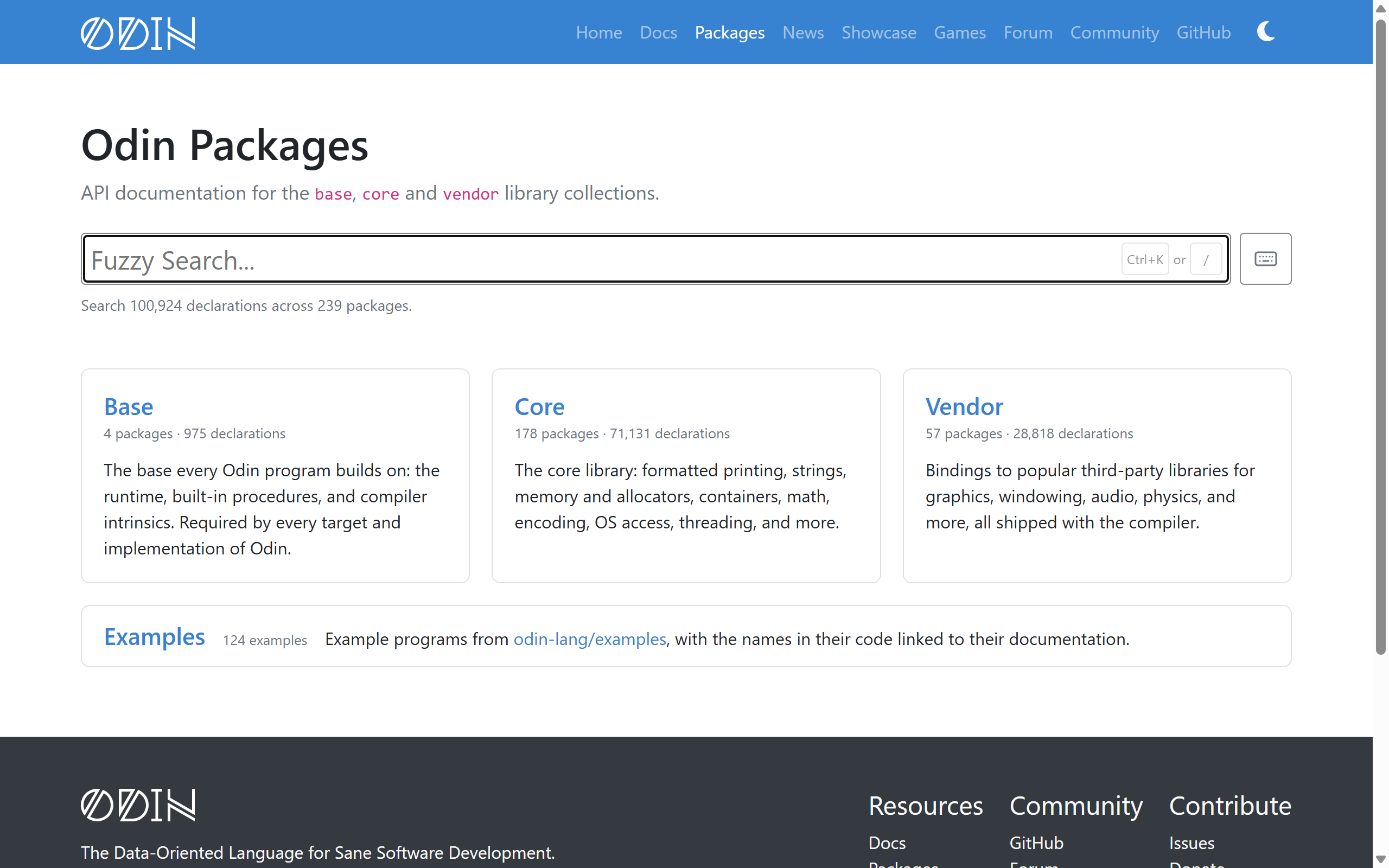
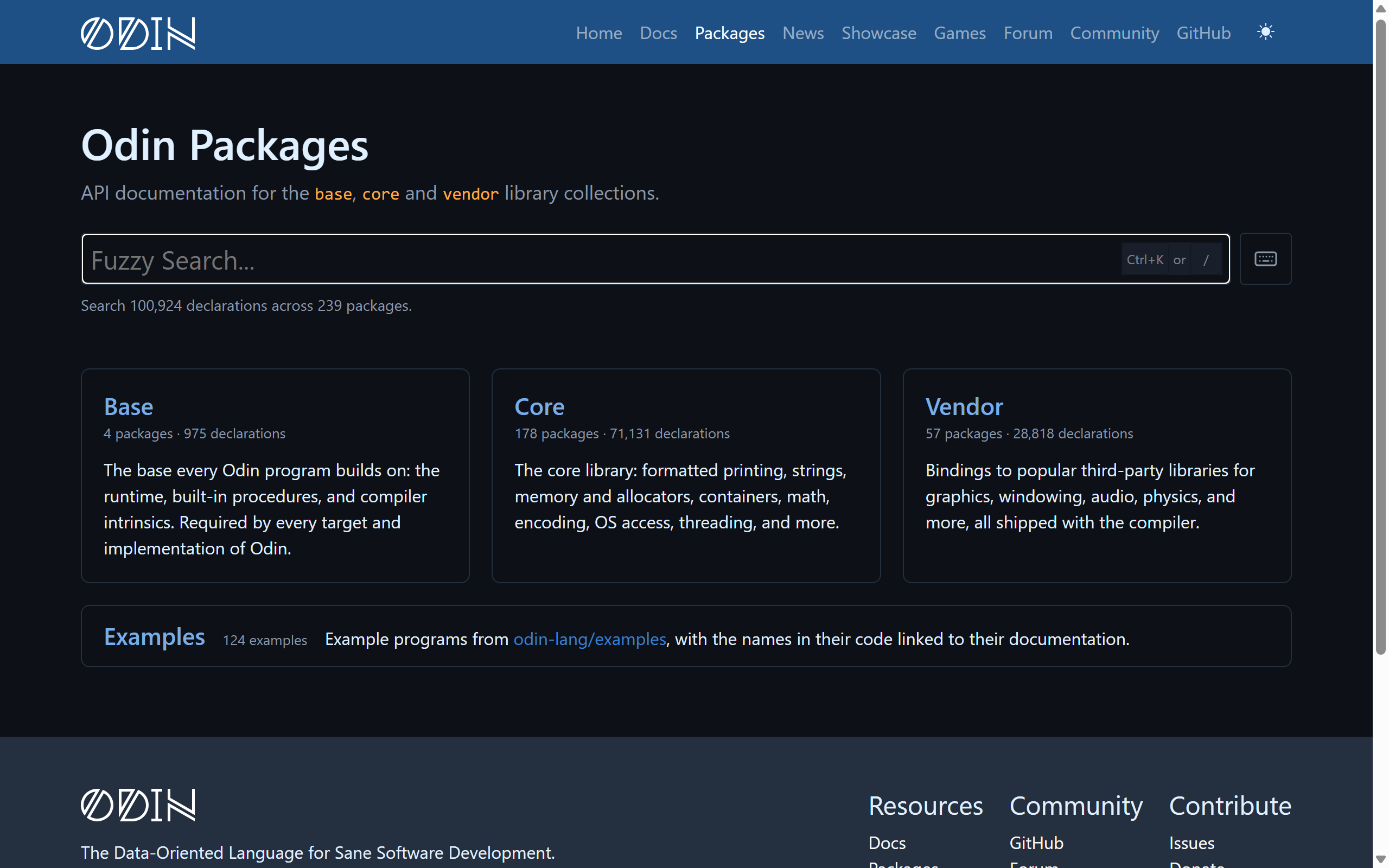
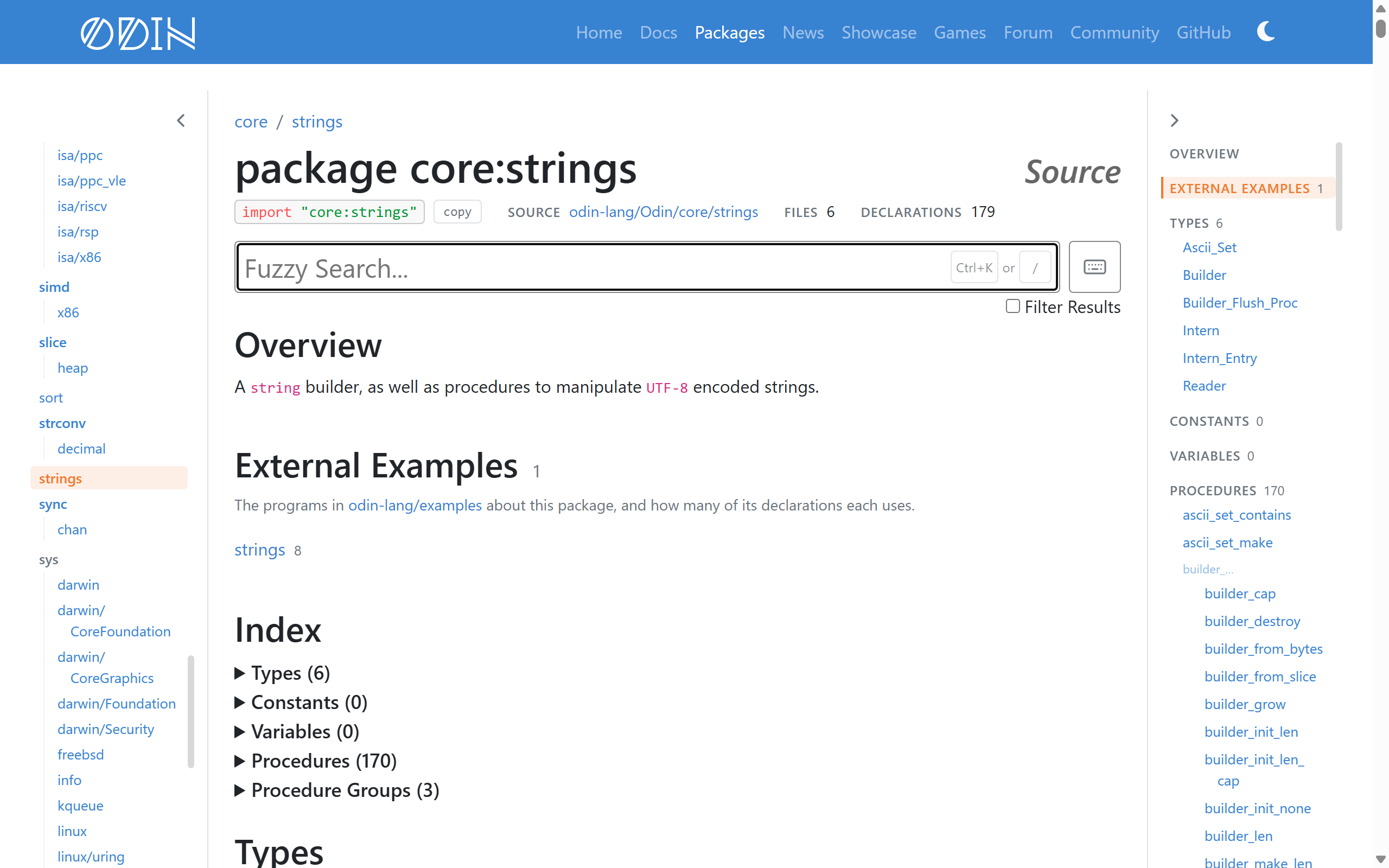
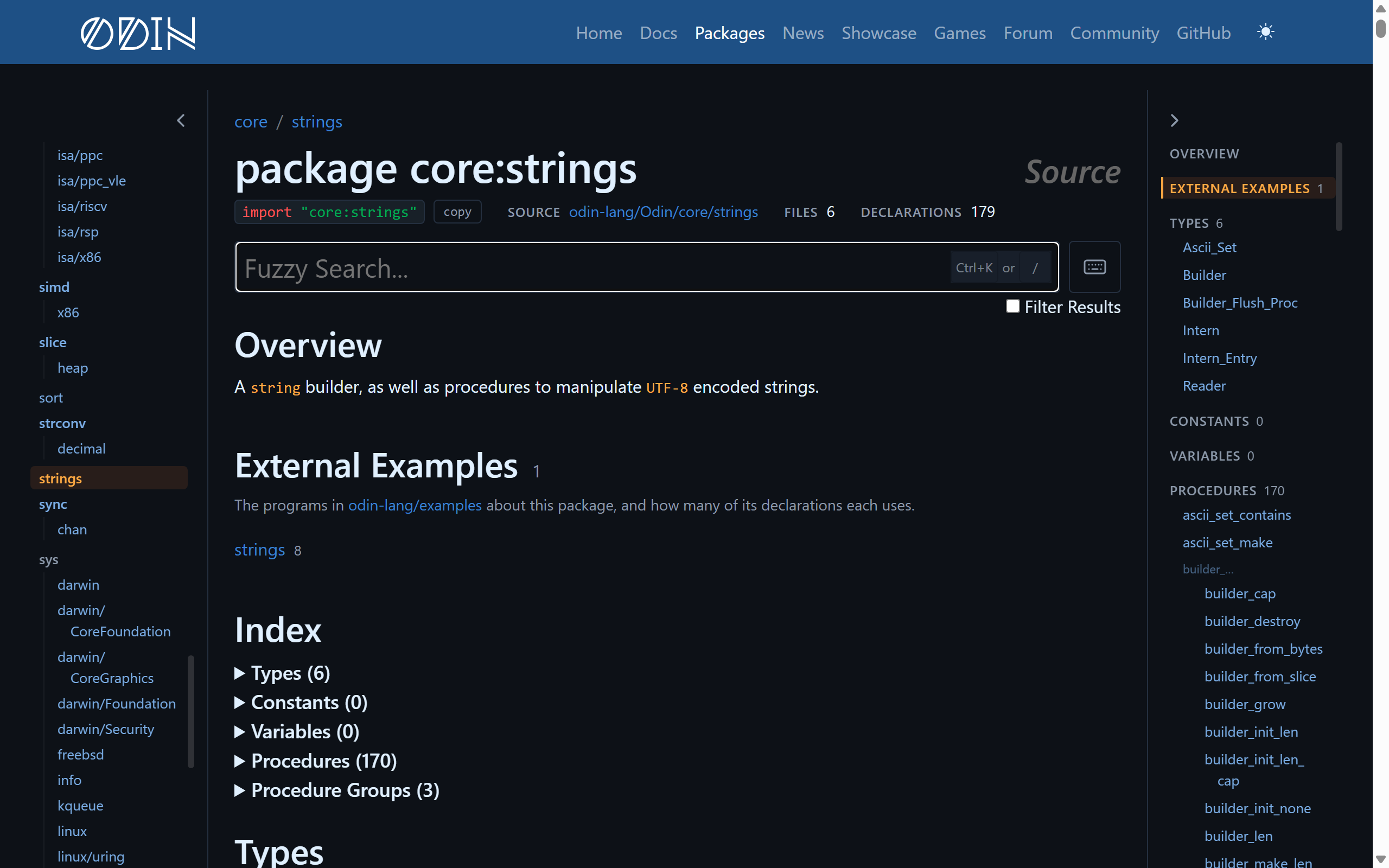
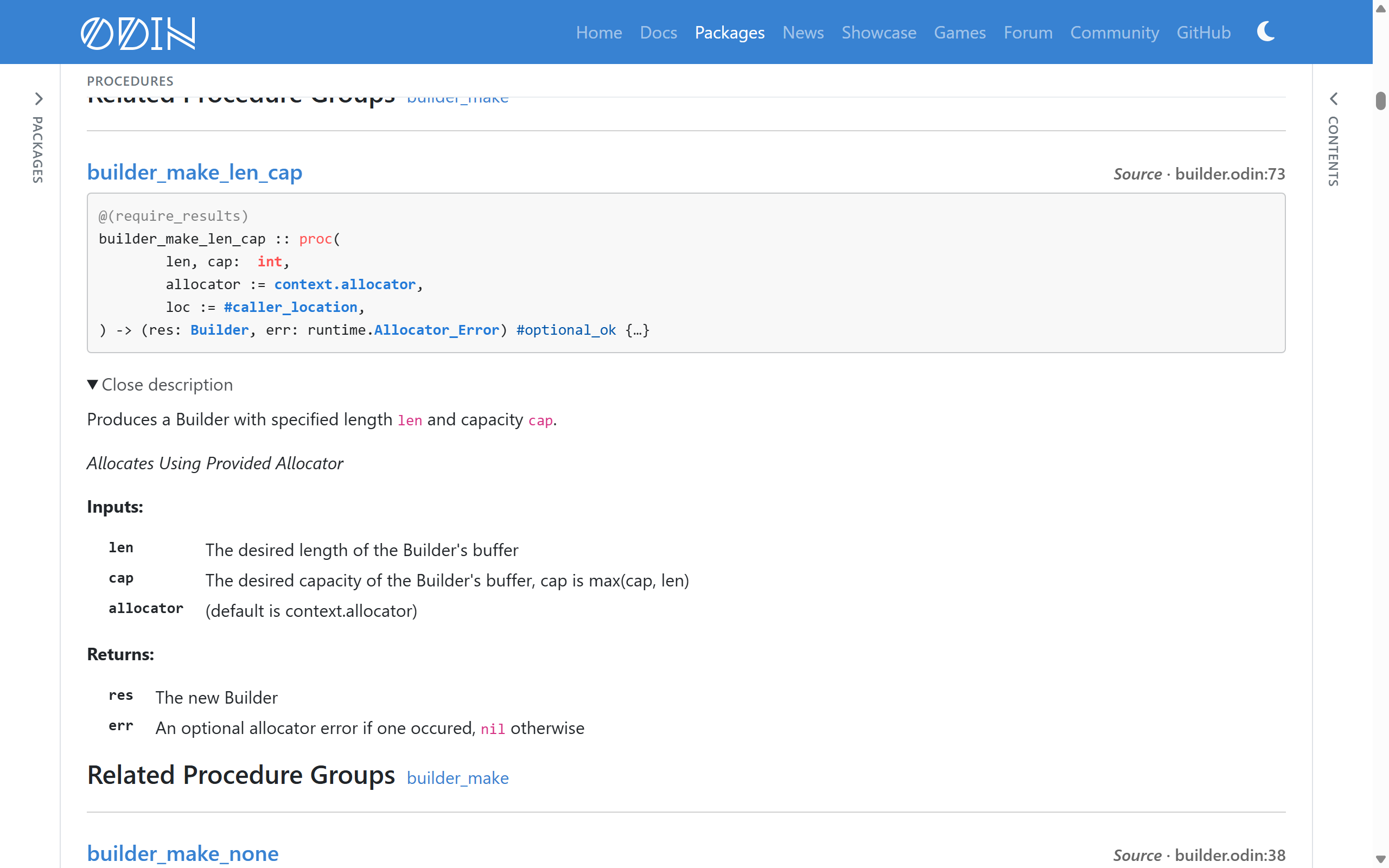
The overall look and feel might be the same, but nearly every page has been cleaned up:
- The home page now uses cards for each library collection stating the package and declaration counts
- There is now a link to the brand new examples section
- Library collection pages now have a compact header and a tighter package list, grouped by directory, with a button to copy each package’s
importline - Package pages start with the actual import line, e.g.
import "core:strings", with a copy button, followed by its source folder, file count and declaration count - Every Source link says which file and line it goes to on the GitHub repository
- The sidebars size to their content rather than taking a fixed share of the screen
- The sidebars can be collapsed to a slim “rail” when you want the room or lack of distraction
- Collection pages and search work much better on phones
Reading Declarations #
We’ve found that most of the time spent on the site is spent reading entity declarations (such as procedures, variables, constants, etc), and this is where a lot of the effort has been put to improve the site. To help with all of that, here are some of the improvements that we have made:
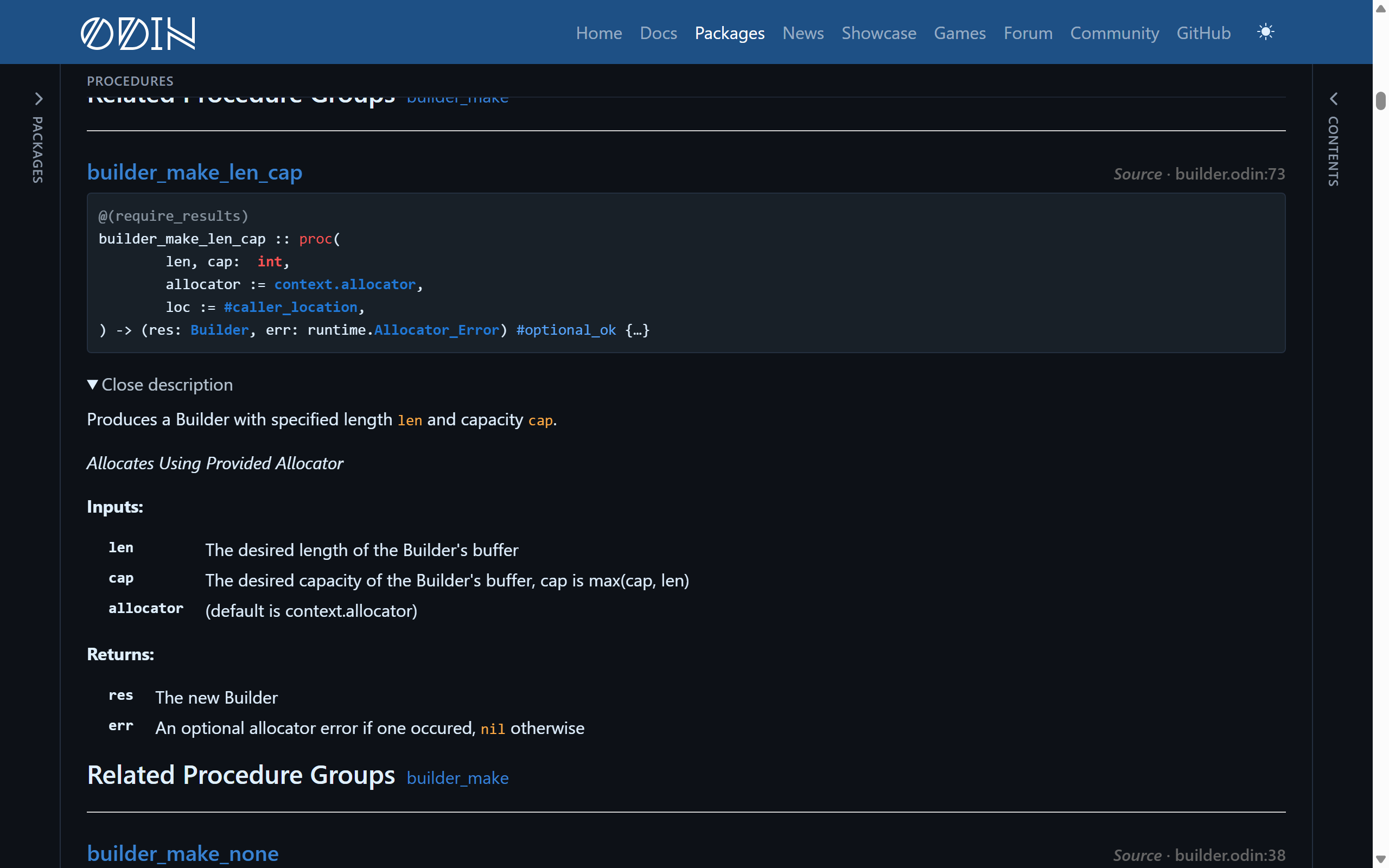
- Long procedure signatures wrap to have one parameter per line
Inputs:andReturns:lists in doc comments are shown as aligned columns of names and descriptions- Names written in backticks in doc comments now link to their declarations. That is over 1,200 new links
- Procedure types list the procedures that match them, so
runtime.Allocator_Proclists the 23 allocators across the library collections - Structs list the fields they get through
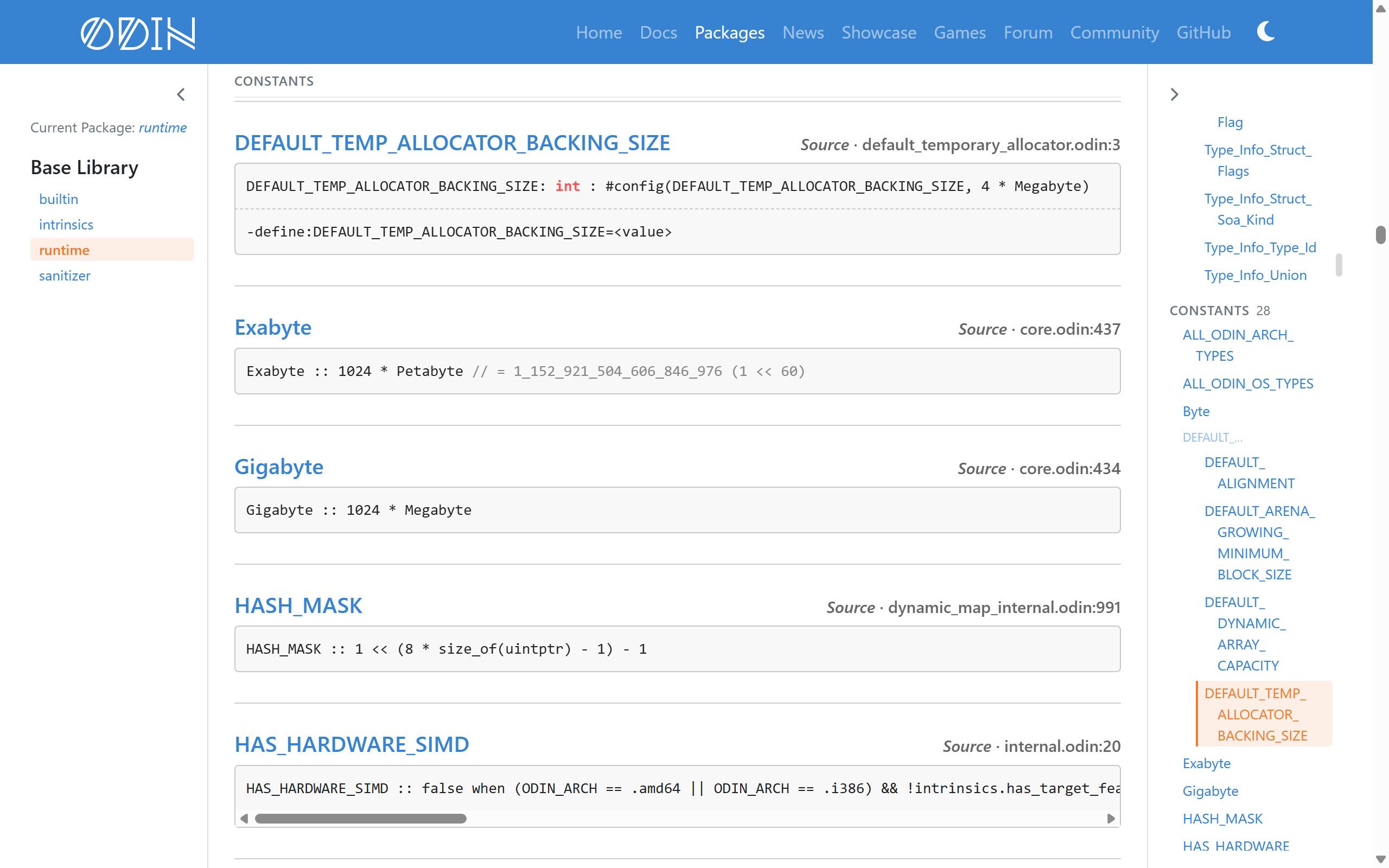
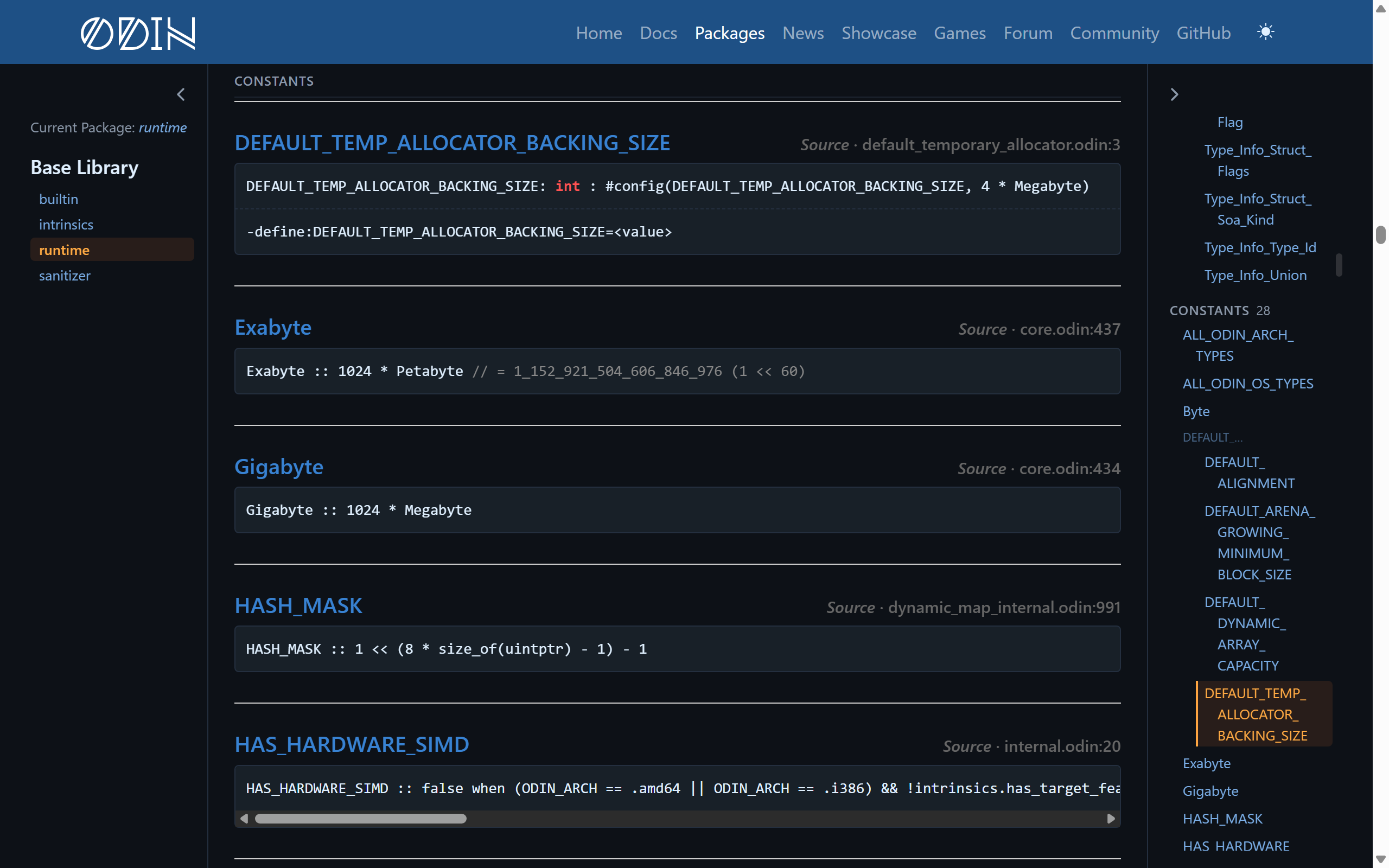
using #configvalues show the-defineflag that sets them- Packages list their sub-packages, so
core:imageshowspng,jpeg,qoiand the rest - Built-in procedures, types and constants are coloured in code examples
As the entire site is built directly from the source code of the Odin libraries of several targets, previously a package only showed what one target declared. Declarations that only exist on other targets are now included, under their own section such as “Only on Windows” or “Only on JS”.
Hover-Based Context Views #
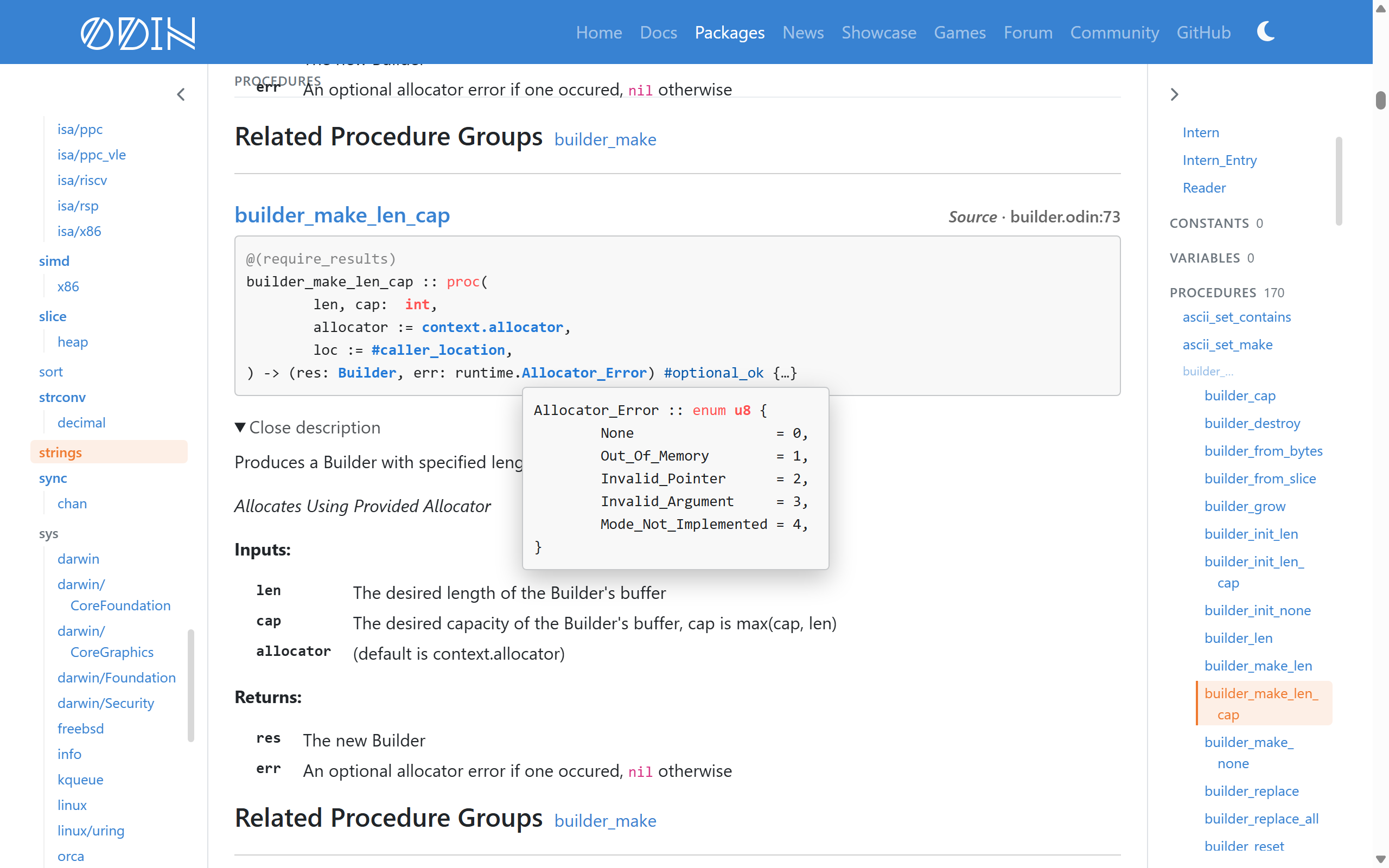
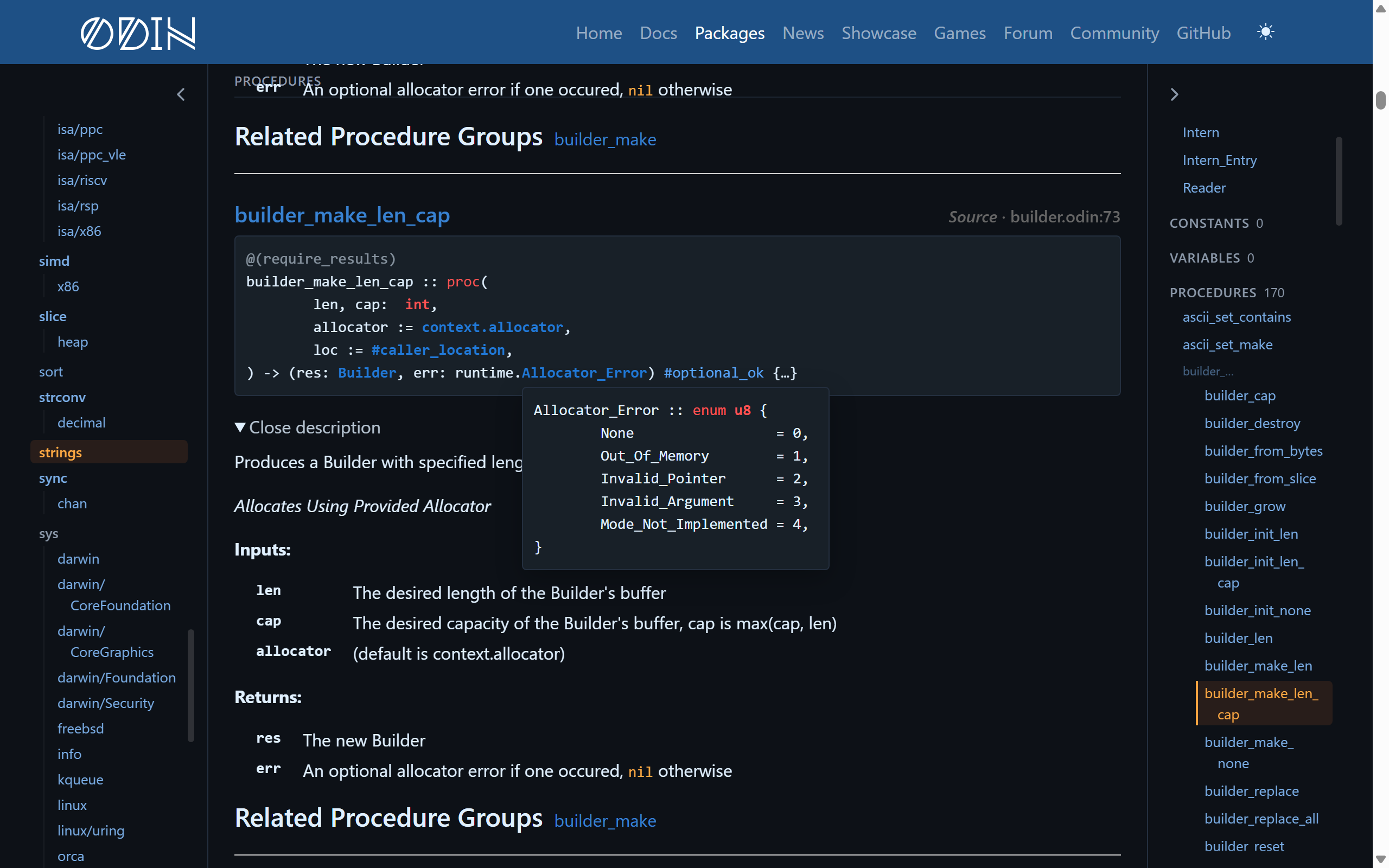
A lot of information is now a hover away to minimize the room on the screen. Here is a list of some of the “hover” operations that are now possible on the site:
- A type in a signature shows its definition, even when it is in another package
- A link to a declaration, including those in the Contents panel and the index, shows a preview of it
- A parameter in a signature highlights its entry in the
Inputs:list - A constant or enum value shows its value, in decimal, in hexadecimal, or as
1 << nwhen it is a single bit. - Bit sets show their elements.
And how all of this works is through making the generator use our very own core:odin/parser.
Improvements to Searching #
Search is one of the places which had the most changes, and it’s only going to get better.
- The search is kept in the page’s address
- Allows it to be shared
- Pressing “Back” in your browser now brings you back to that search
- Packages themselves show up in the results
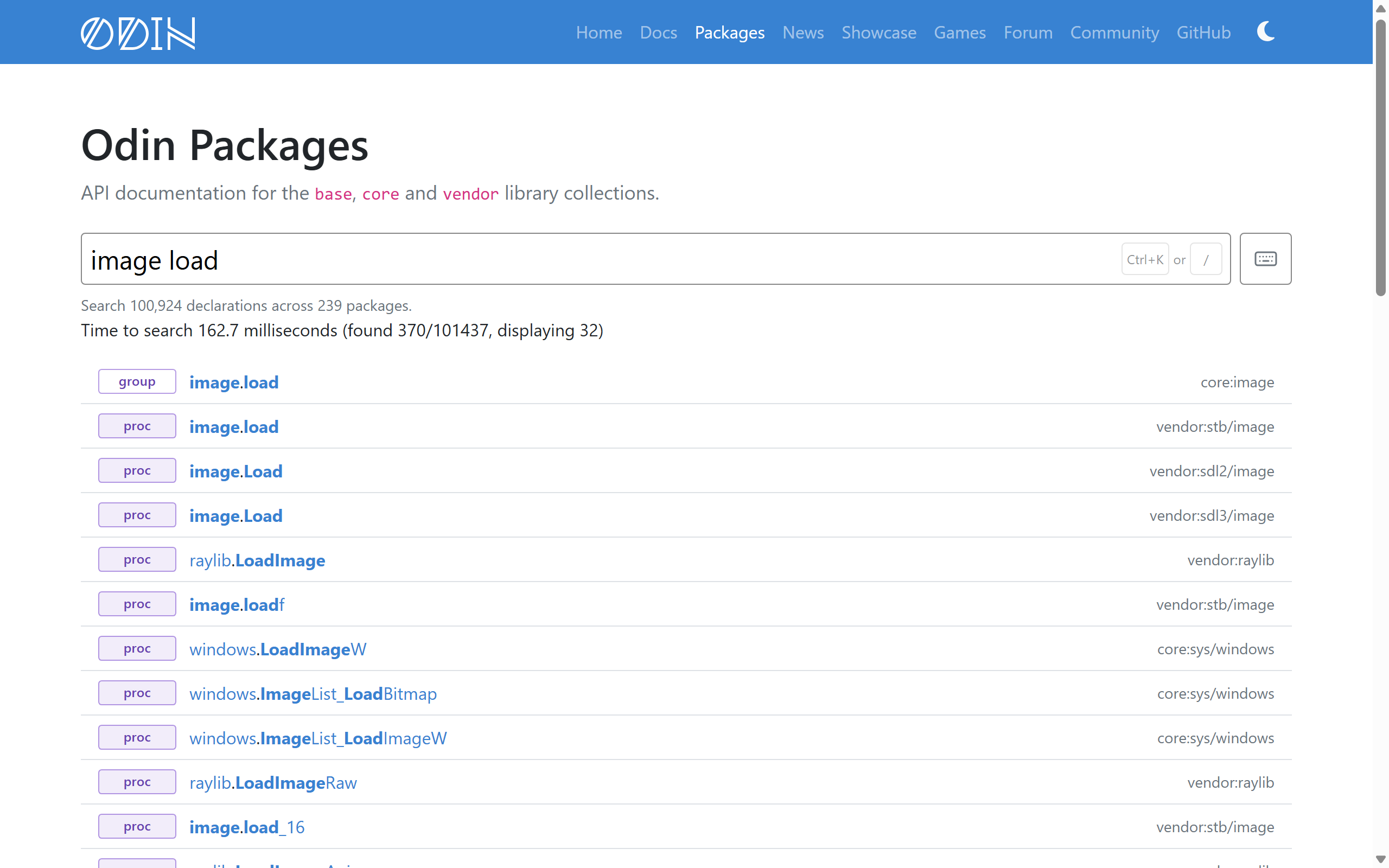
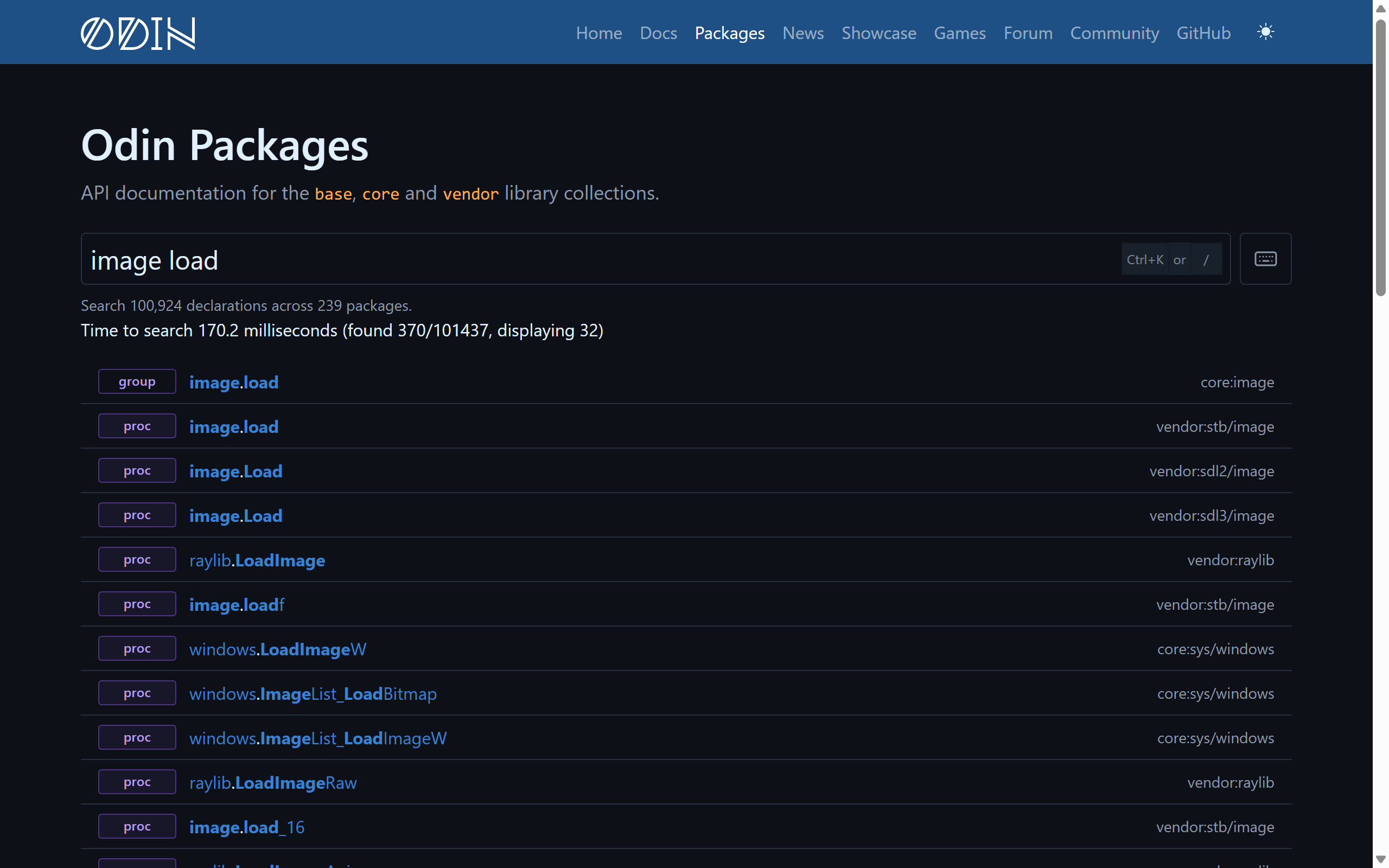
- Each result has a coloured badge saying what kind of entity declaration it is:
proc,type,const,var,grouporpackage - Results show the name you would actually write in code,
hash.hash_string, along with the package’s full import path,core:crypto/hash. - Foreign imports bindings can be found by their C names
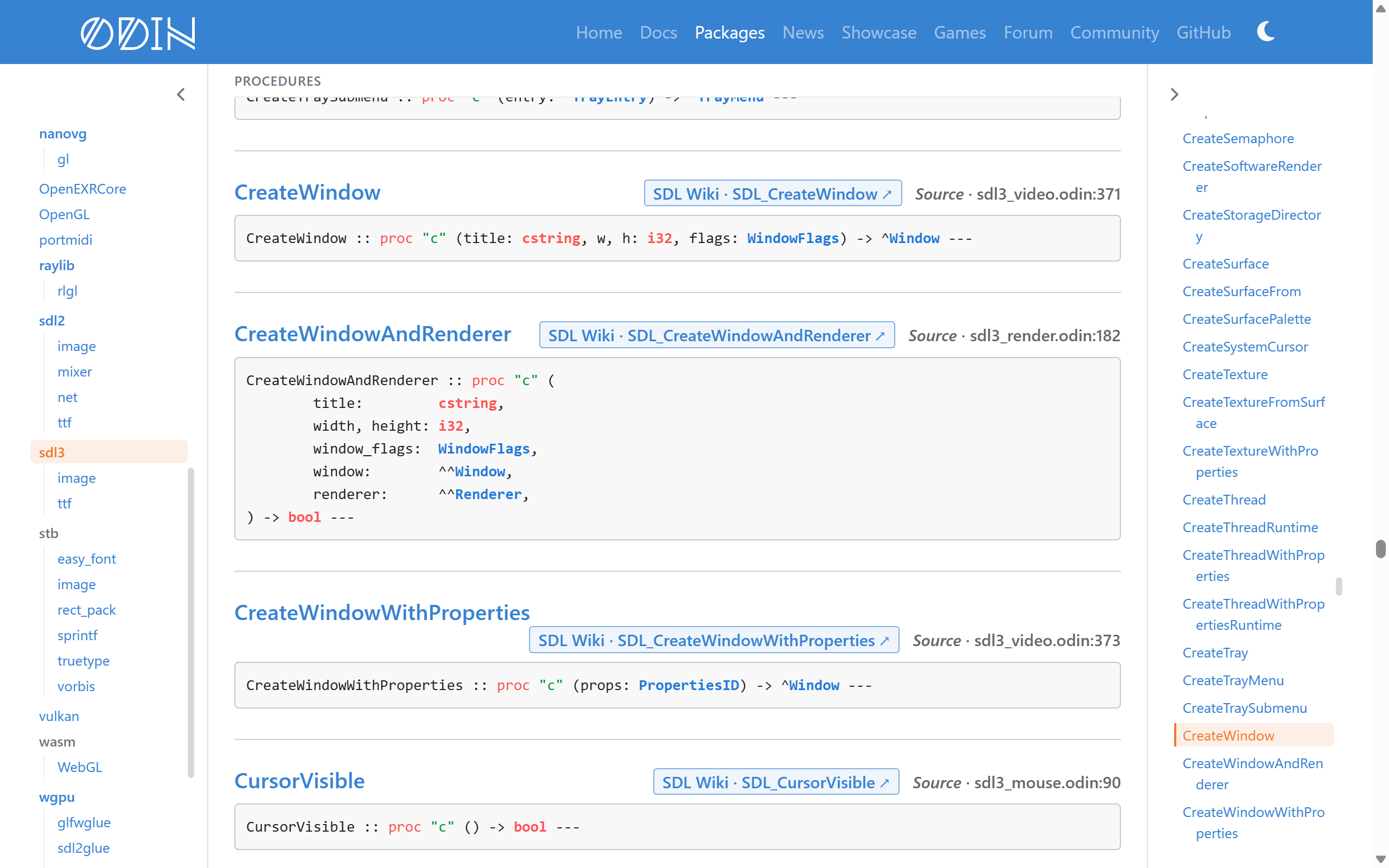
SDL_CreateWindowfindssdl3.CreateWindow.- Objective-C classes can be found by their Objective-C names, so
MTLBufferfindsMetal.Buffer
- On a package’s page, each result shows the first sentence of its documentation
- Searching for
:Typefinds every declaration whose signature mentions that type - Deprecated declarations are struck through and point to their replacement where there is one
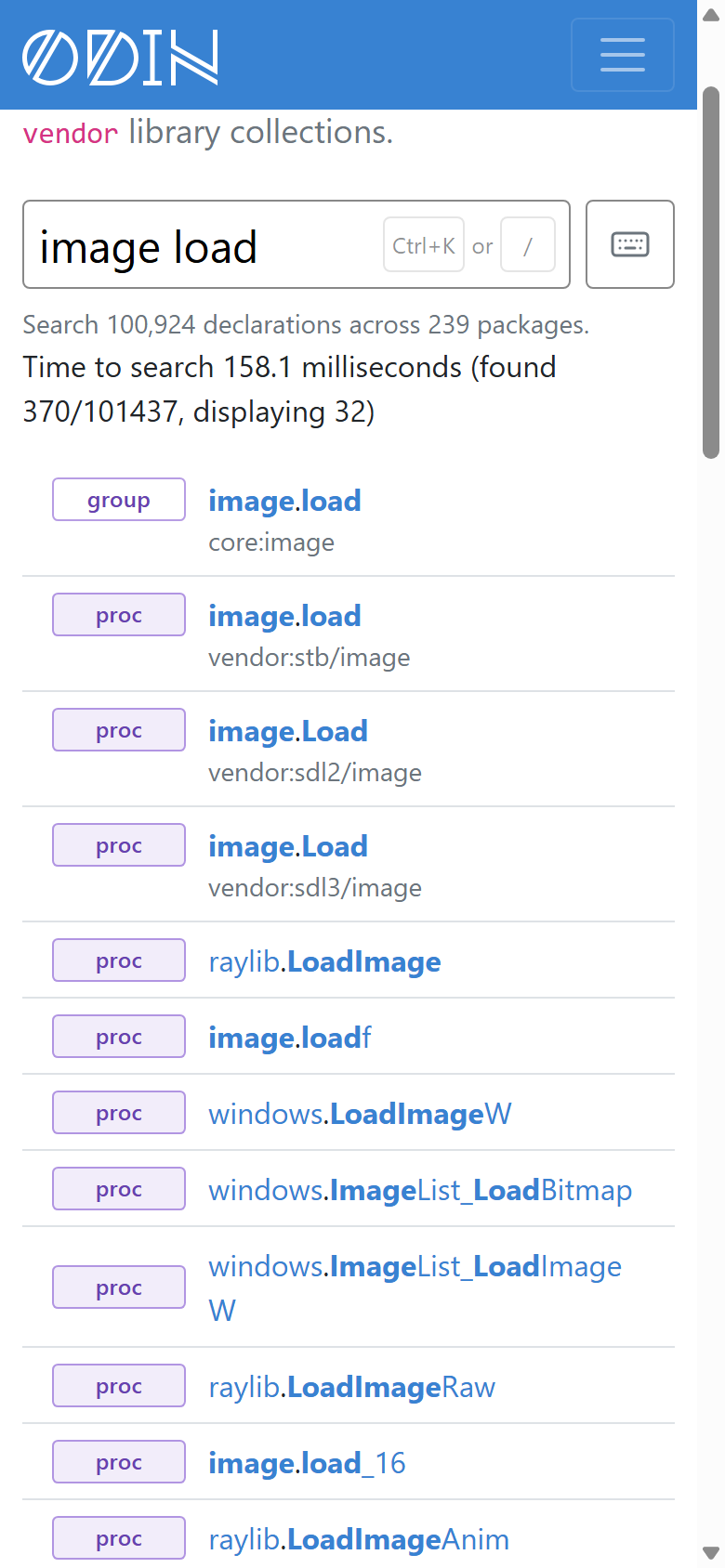
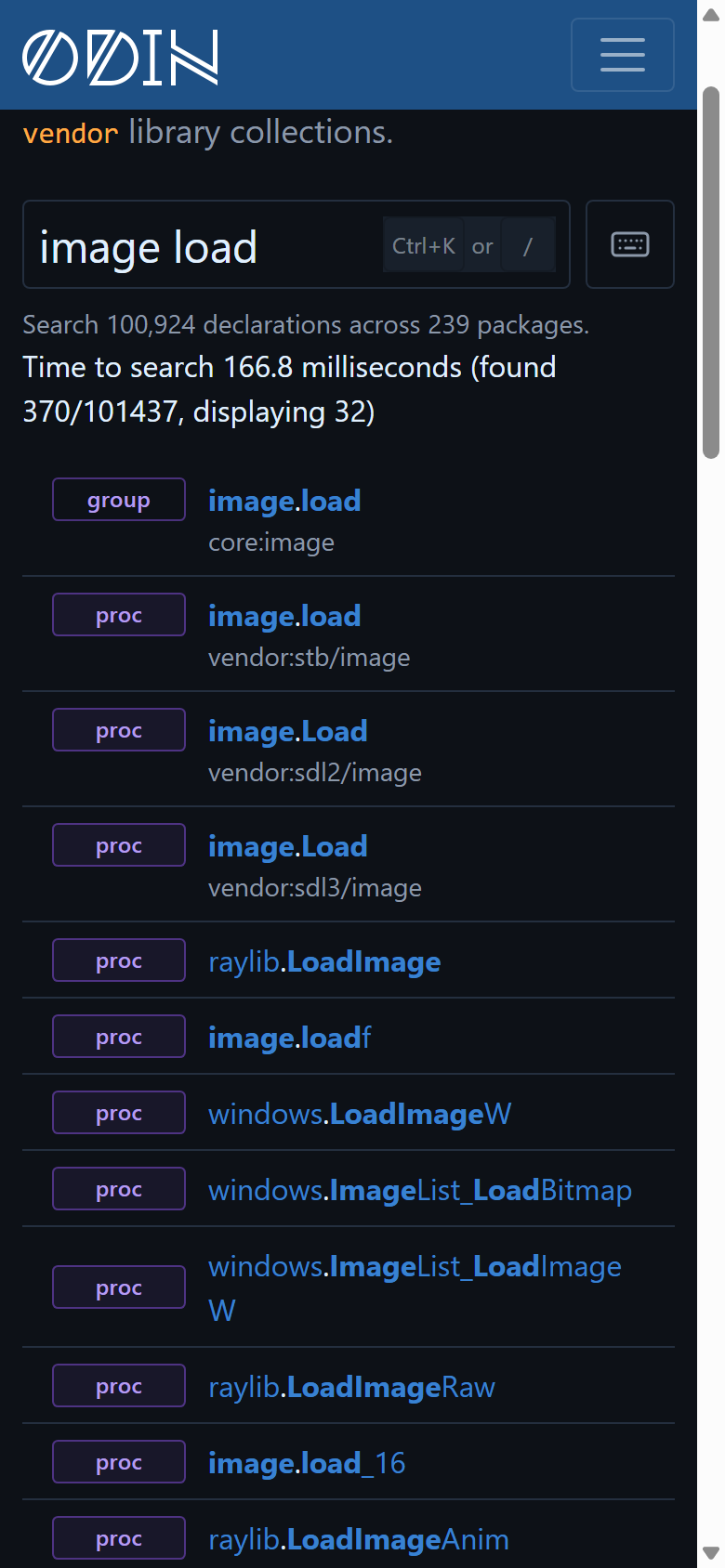
On narrower screens, such as mobile devices, the import path is only shown where it is needed to tell two results apart with the same name:
Keyboard Shortcuts #
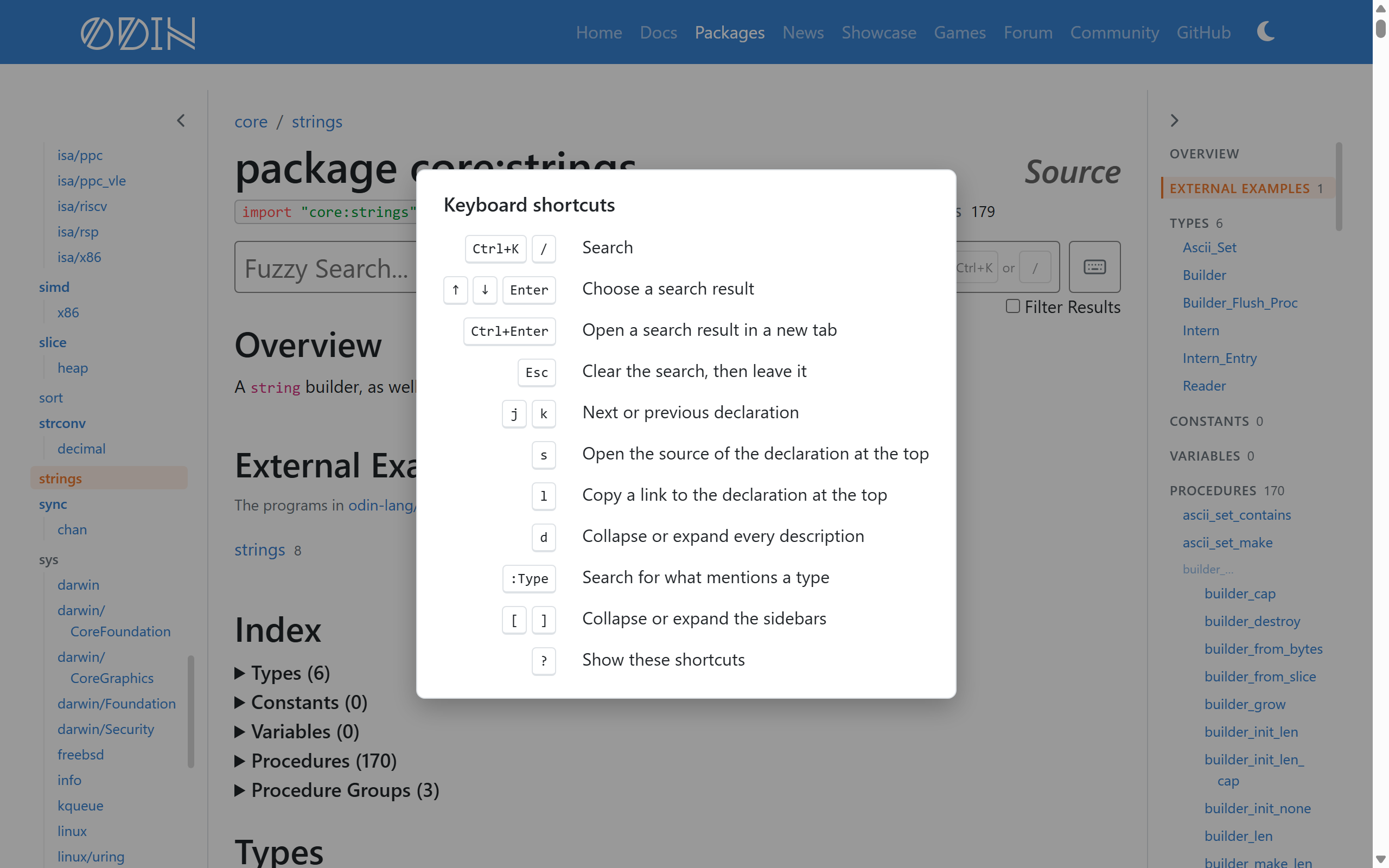
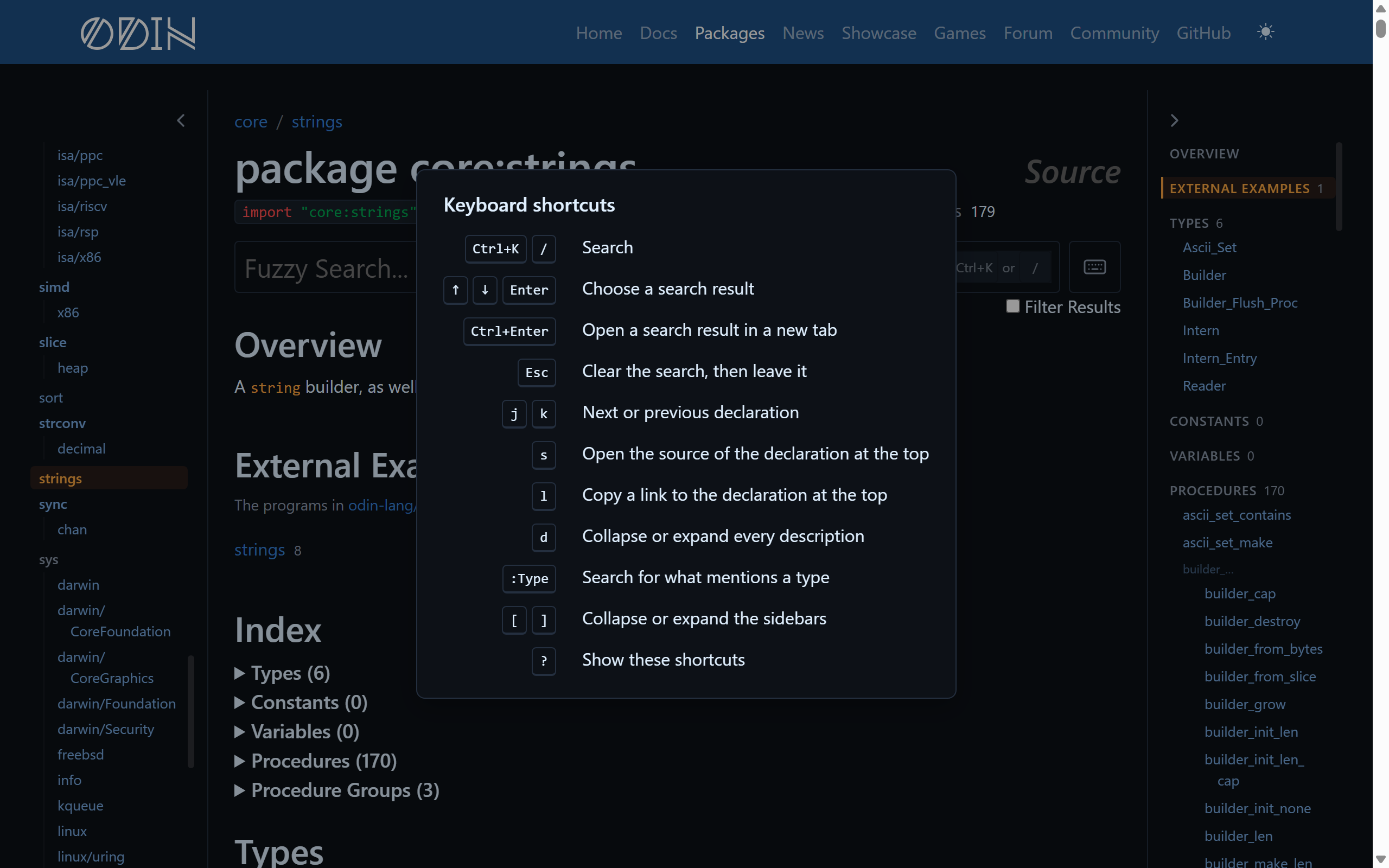
As many people love navigating UIs with their keyboard, much of the documentation site can now be navigated from your keyboard. Press ? (or the keyboard button beside the search box) to see the shortcuts. They have been designed to be vi/vim-like.
/orCtrl+Kto search, andCtrl+Enterto open a result in a new tabjandkto move to the next or previous declarationsto open the source of the current declarationlto copy a link to the current declarationdto collapse every description, for scanning just the procedure signatures[and]to collapse or expand the respective sidebars
Third-Party Library Bindings #
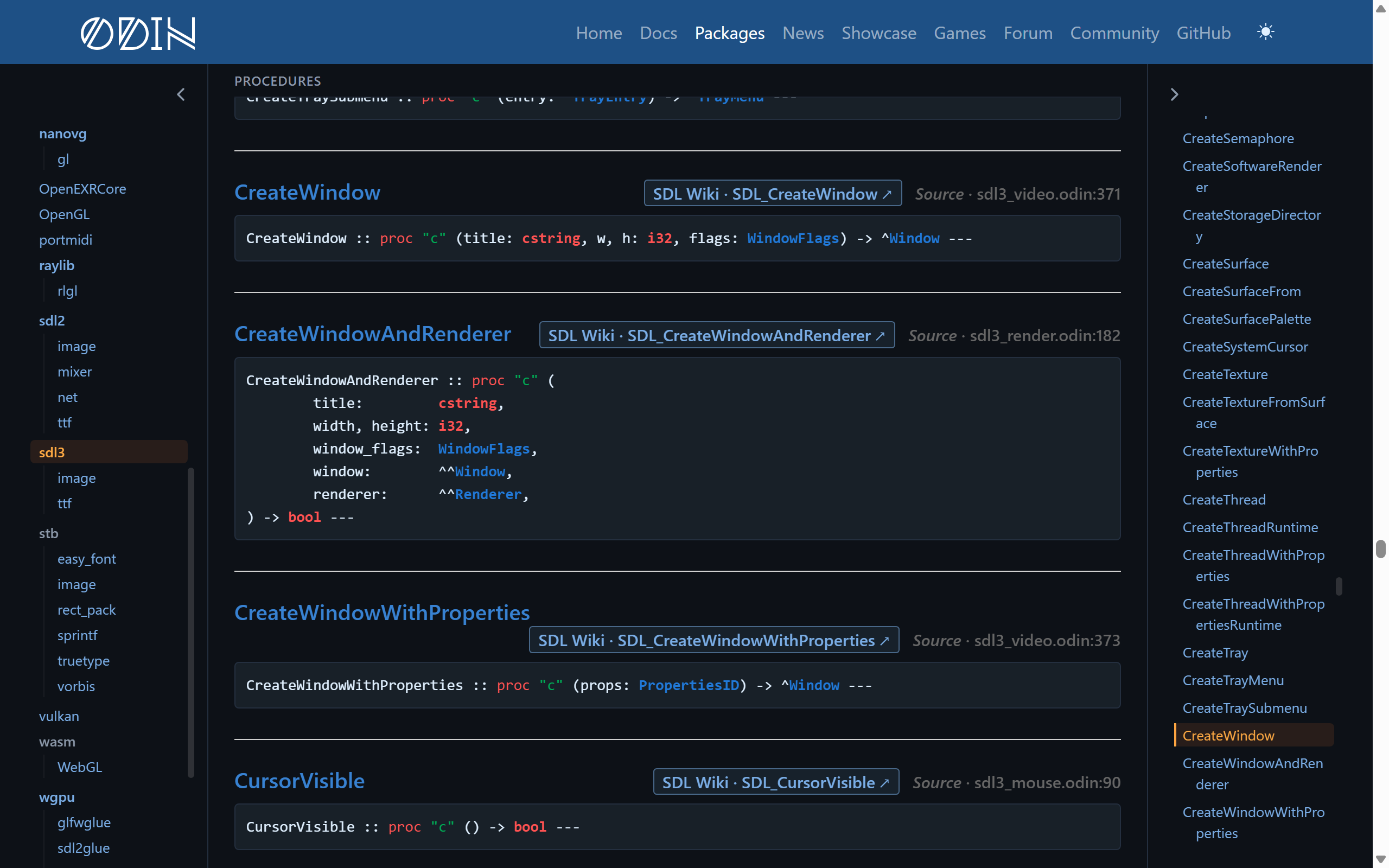
Most of vendor is foreign bindings to libraries that already have documentation of their own, and there is little point in repeating it here. For where it makes sense, most of these bindings now link directly to their own online documentation. This can be seen to the side of the Source link.
- SDL links the SDL Wiki
- Vulkan uses the Vulkan registry
- Objective-C libraries use Apple’s developer documentation
core:sys/windowsuses Microsoft Learn- The lua packages link to the Lua manual
- and more!
Objective-C Package Improvements #
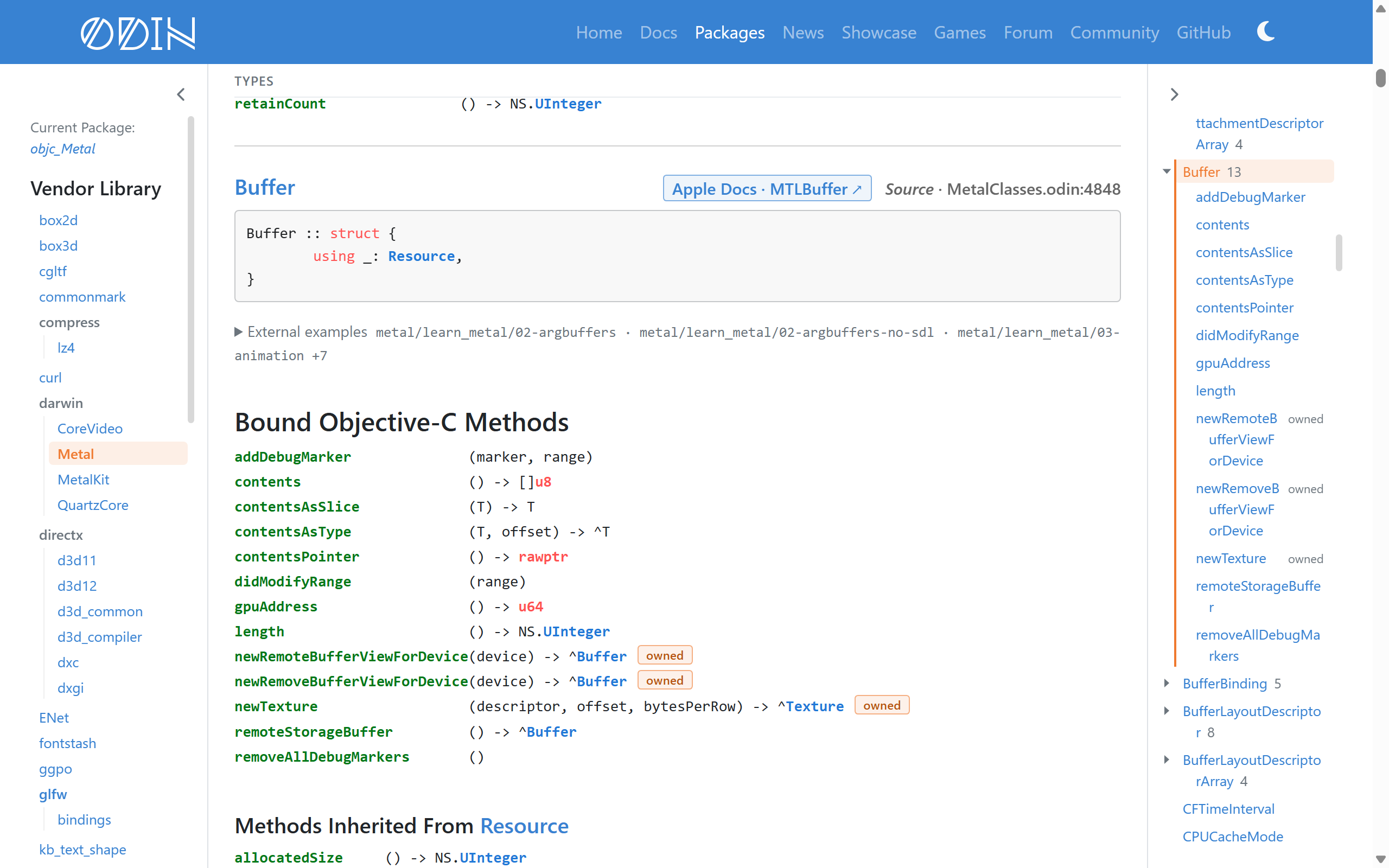
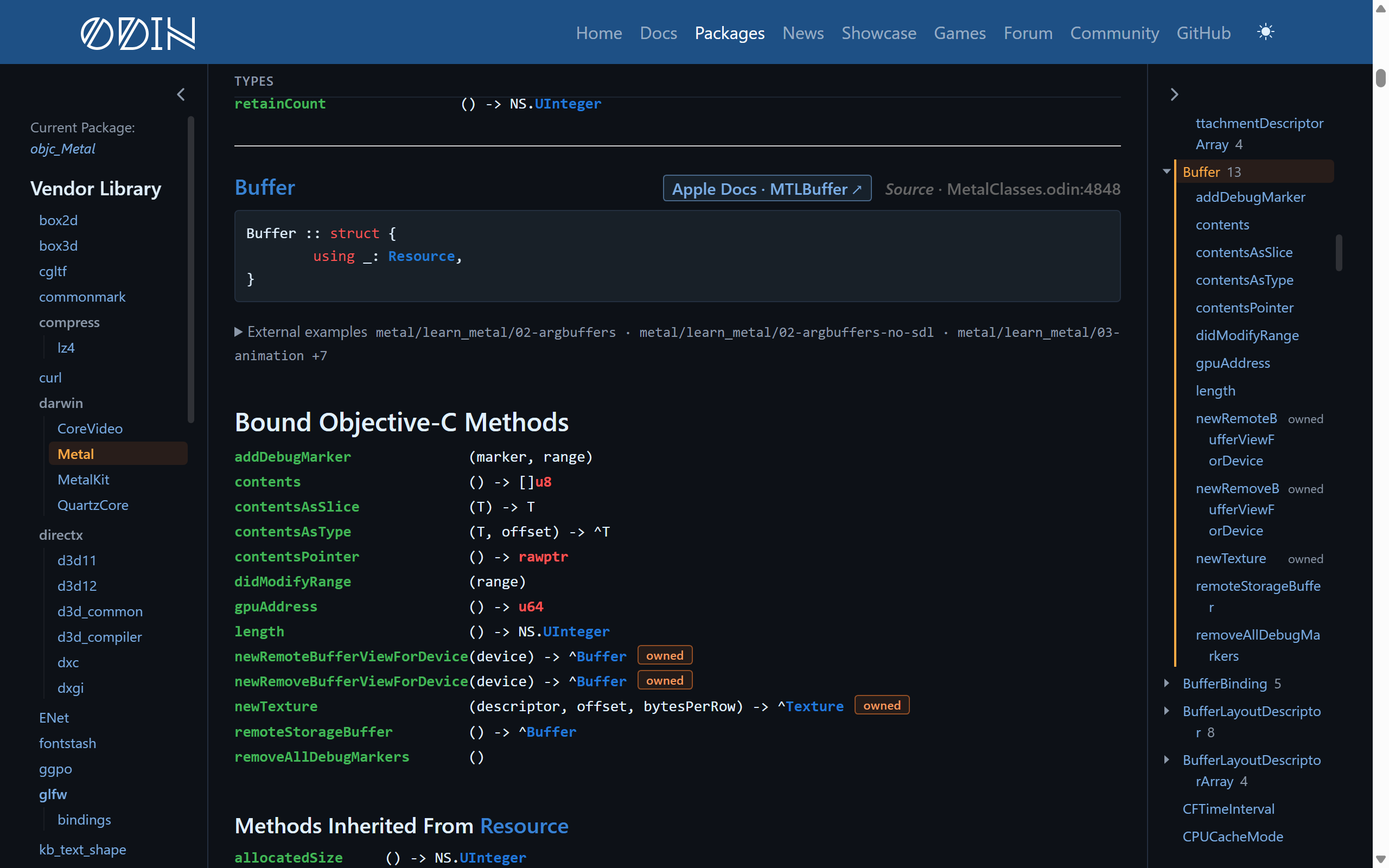
The Objective-C packages, such as vendor:darwin/Metal and core:sys/darwin/Foundation, have been improved a lot.
- Every method shows how it is called, e.g.
buffer := device->newBufferWithLength(length, options) - Class methods are now marked with a badge
- Methods that return an object you own and must release are also marked with a badge
- Each class lists its methods, including inherited ones, with their signatures lined up
- The “Contents” panel is grouped by class
- Method signatures now use the conventional import names,
NS.Stringrather thanobjc_Foundation.String, to aid with reading
Dealing with Large Packages #
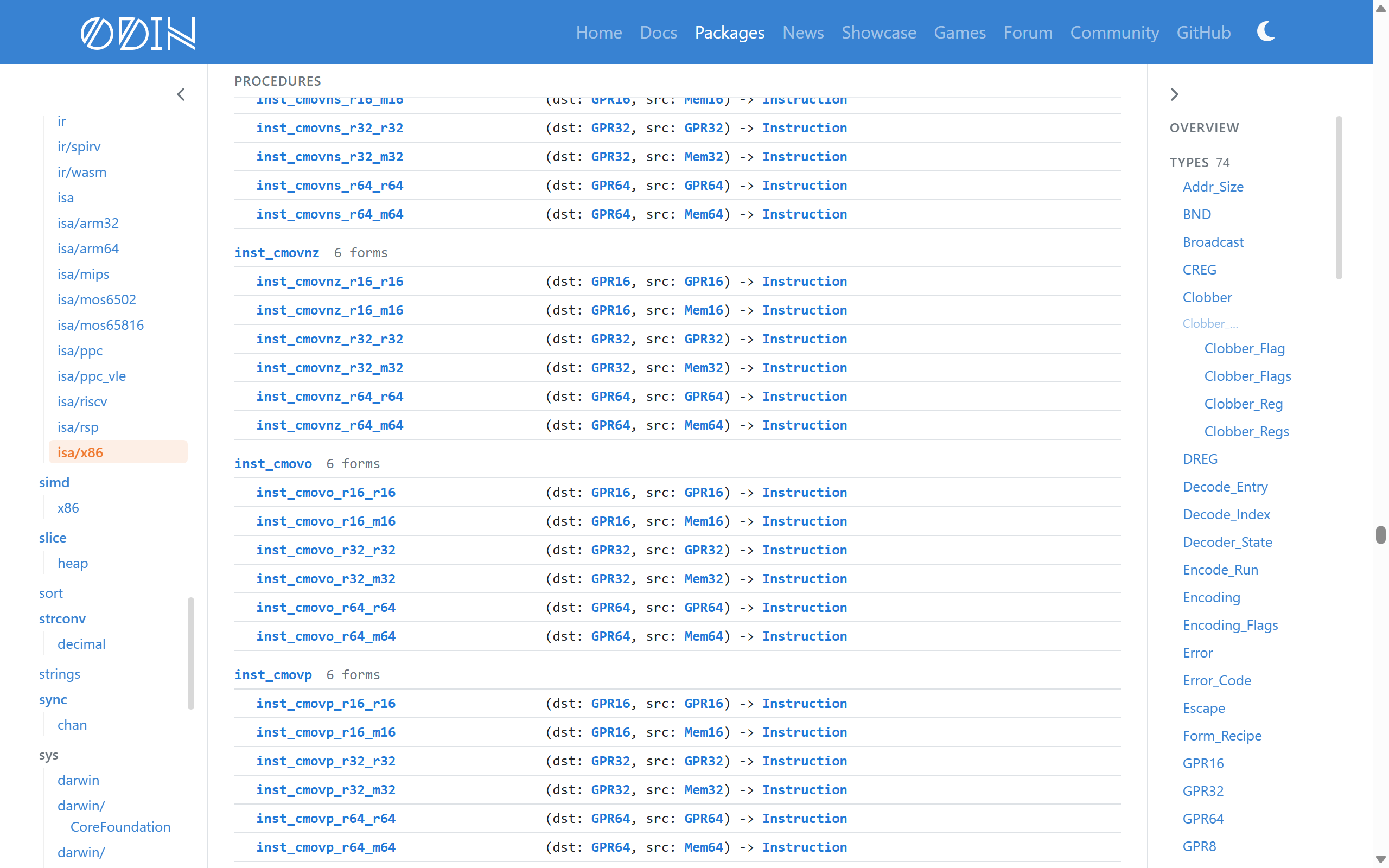
Unfortunately due to the nature of some packages, they are just very large. core:sys/windows has over 9000 declarations in it, and core:rexcode which is used for instruction encoding and decode has even more than that. Because of how large they were, they were really slow to load and navigate on the site. To aid with all of this, we have made some improvements in general to help with these large packages:
- The browser now skips laying out and drawing declarations that are off screen.
- On
core:sys/windows, resizing the window went from around 700 ms to 26 ms
- On
- Package pages now only load their own search data, rather than the data for every package.
- For a typical package, that is 7 KB instead of multiple MB
- Packages which are generated packages, such as the
core:rexcodeones, as well ascore:sys/windows, now list their procedures and constants one per row, grouped together.- The
core:rexcode/isa/x86page went from being 14.4 MB to 4.6 MB, and every declaration still has its own link!
- The
Code Examples #
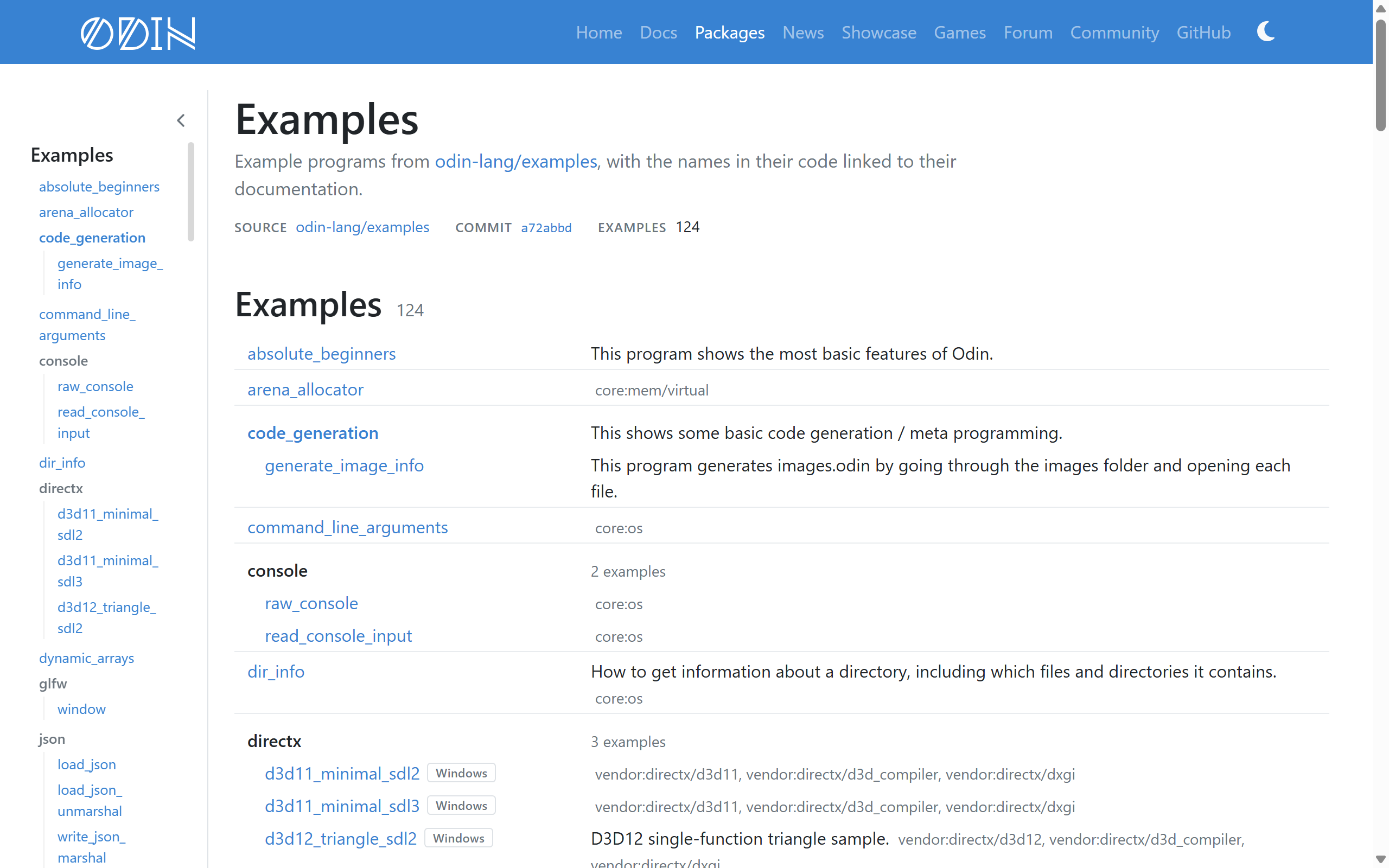
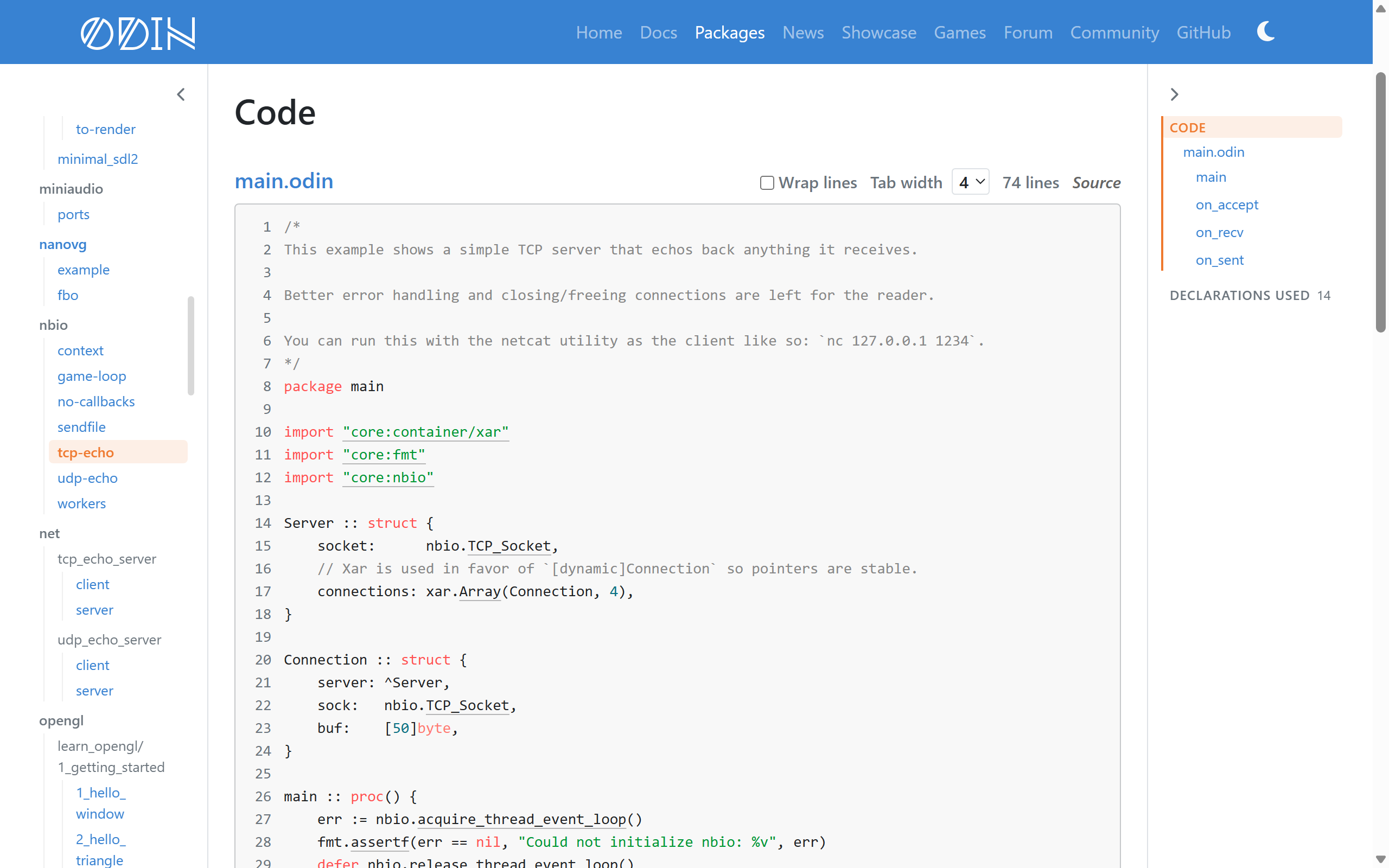
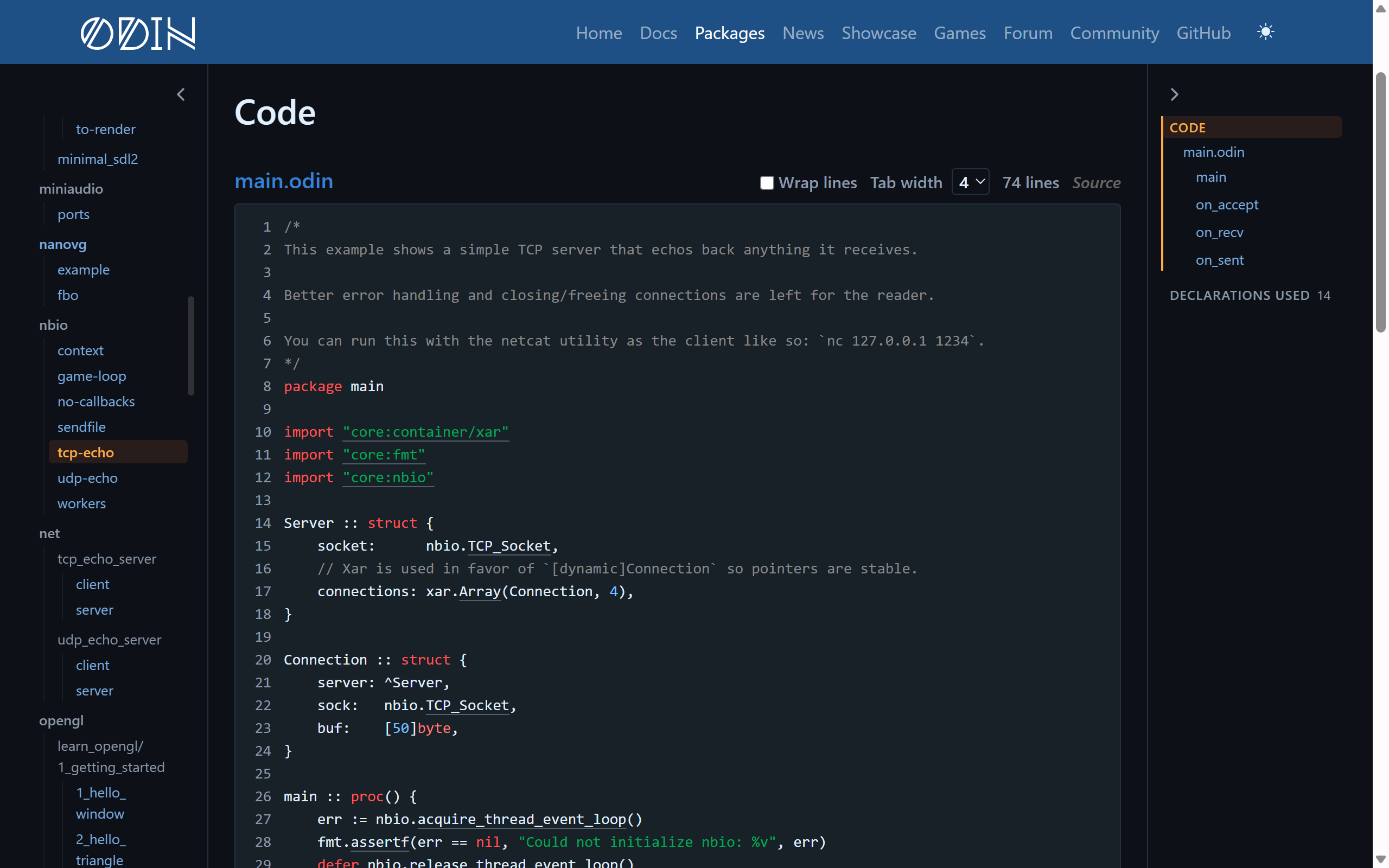
The odin-lang/examples repository has loads of example programs, but unfortunately not many people knew it was there because nothing connected them to the documentation. We have now integrated this as part of the site!
- The new examples section is visible on the homepage of the documentation site
- The code on those pages is linked directly to the related documentation
- Every package name, built-in, and import path goes to its declaration or package
- Examples that need a particular platform (e.g. Windows, macOS, web, etc), are marked as such
- Examples with a screenshot show it when you hover over them
- Examples under their own licence show it at the top of their page to make it very clear they differ from the default Odin zlib licence
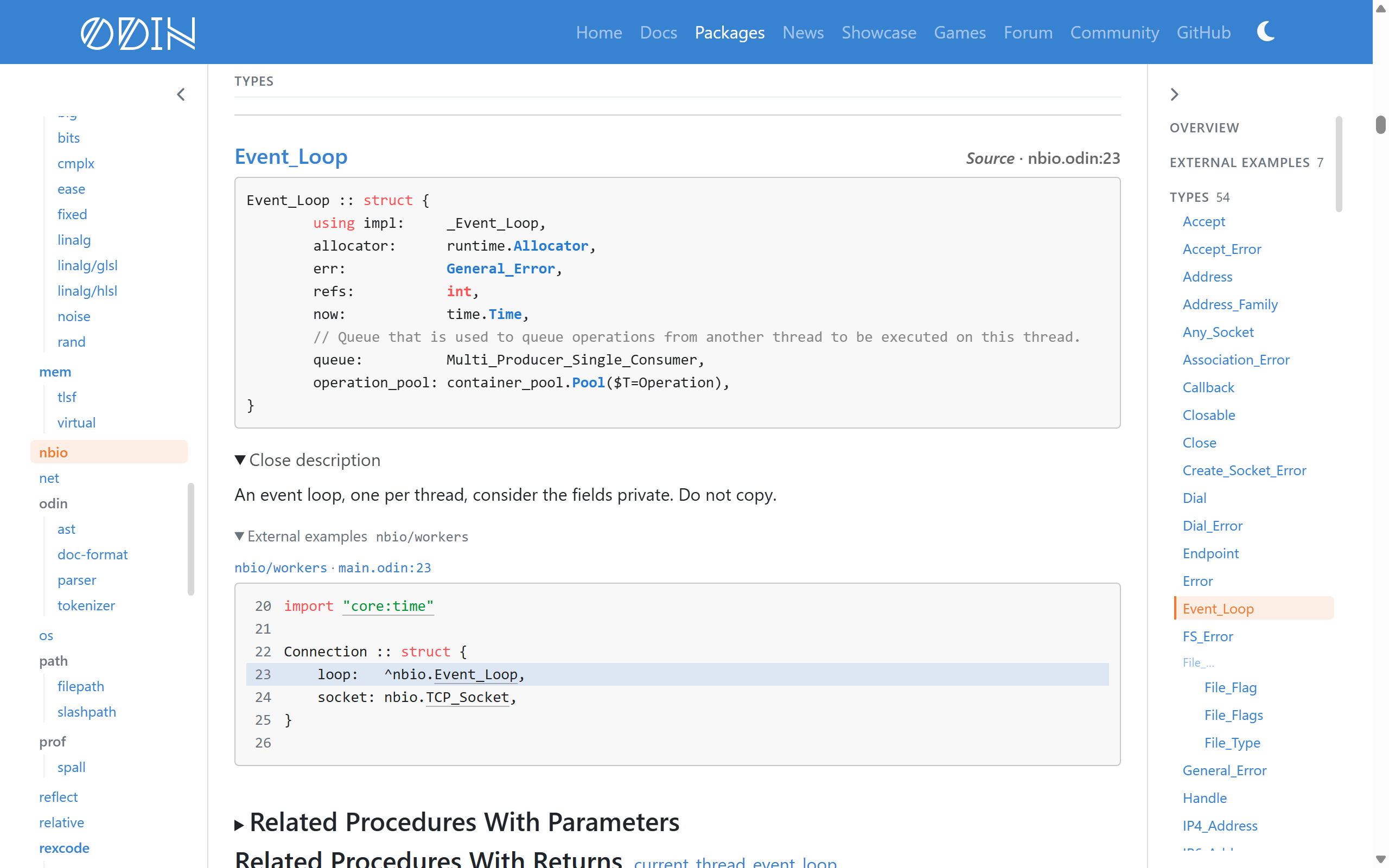
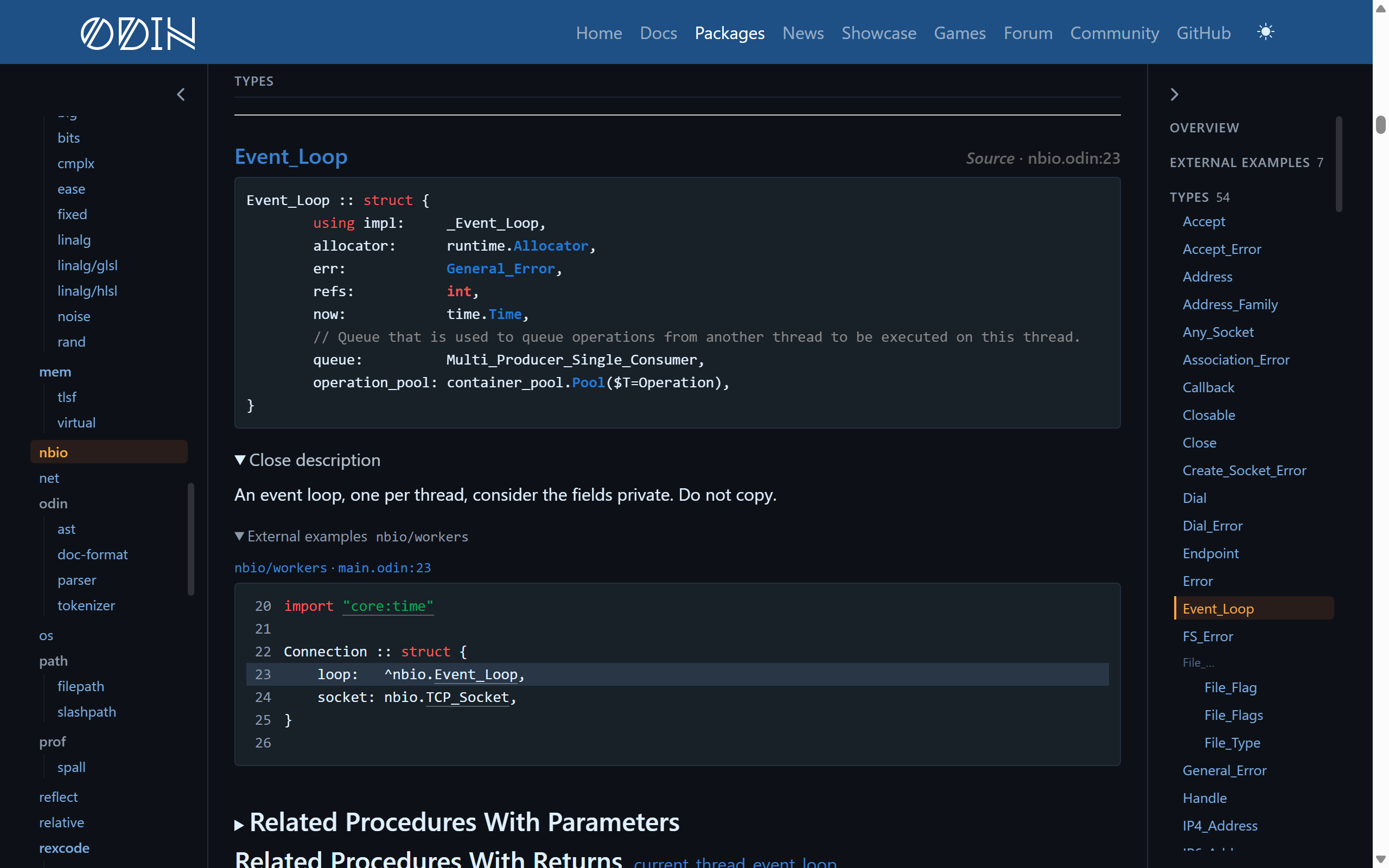
- Package pages have an “External Examples” section listing the programs about that package, linking to this new section
- Any declarations used by those example programs now have short excerpts of the code that uses them
The examples are taken from the repository at a fixed commit when the site is built, so the line numbers in links do not drift.
Feedback #
As always, we welcome any and all feedback!
The generator for the package documentation is fully open source at odin-lang/pkg.odin-lang.org. If you would like to contribute to it, please do so!
And thank you for using Odin!